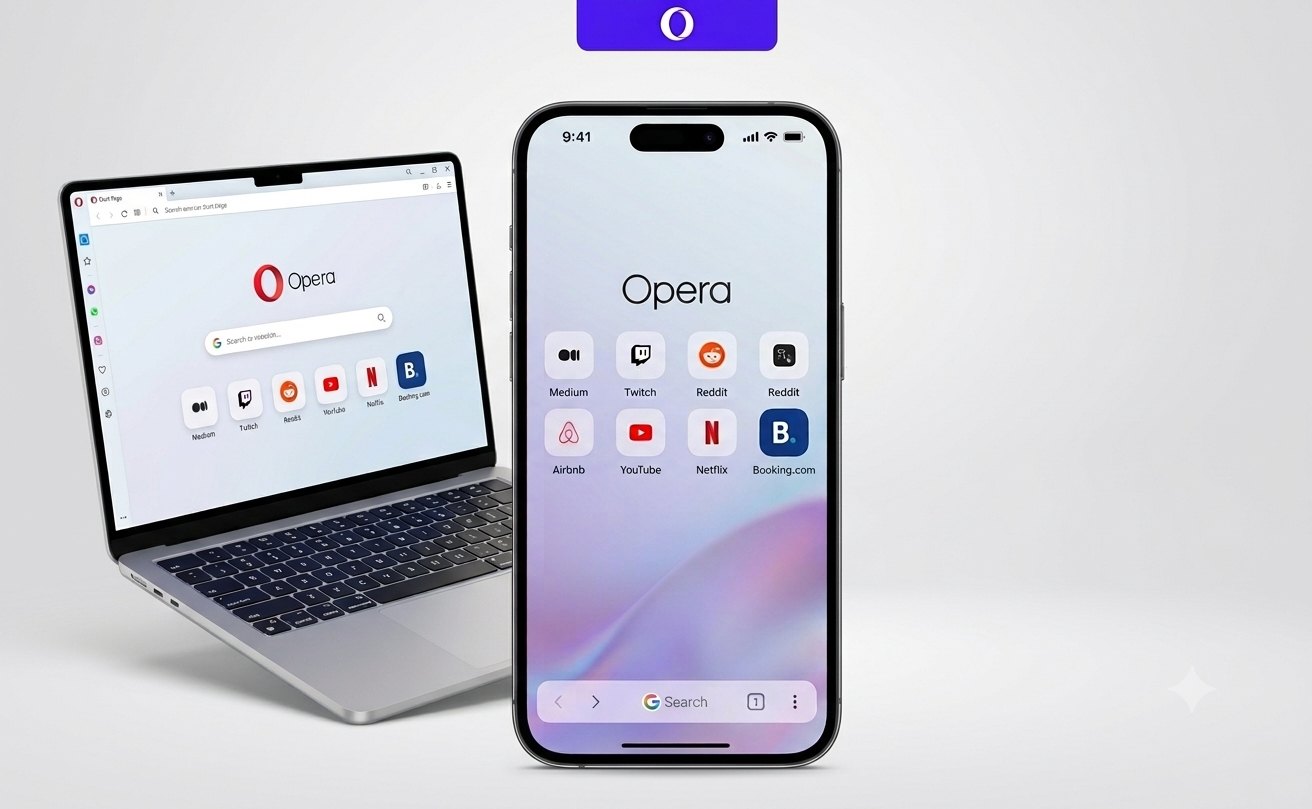
Opera
For work and everyday tasks
Group your project tabs, open two documents side by side and reply in chat right from the sidebar.
Browsers for Windows
Two free browsers. Which one suits you?
Group your project tabs, open two documents side by side and reply in chat right from the sidebar.

Keep a guide or a stream at hand. GX Control lets you limit how much CPU, memory and network the browser uses.
Download buttons lead to the official Opera installer via affiliate links.
| Feature | Opera | Opera GX |
|---|---|---|
| Tab management | Tab groups and split screen | Workspaces and tab search |
| Resource control | No GX Control panel | Memory, CPU and network speed limits |
| Look and feel | Themes and wallpapers for the start page | Mods, sounds and gaming visuals |
Yes. Opera and Opera GX install as separate apps. You can try both and choose your default browser in Windows settings.
Open the Opera GX settings and find “Import bookmarks and settings”. Choose your previous browser and tick the data you want to bring over.
Both versions are free to download and use.