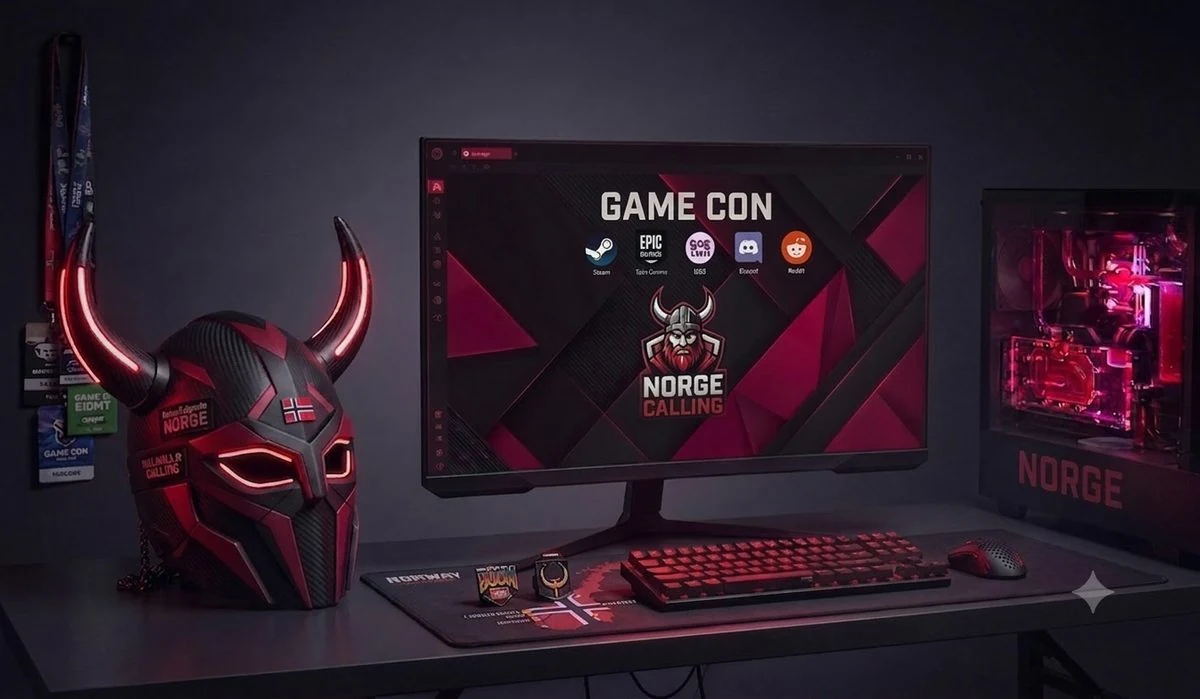
MAKE IT YOURS
You have the attitude.
Now pick the style.
Themes, sounds, wallpapers and mods — create a browser that fits your setup.
A BROWSER FOR YOUR SETUP
Set limits for RAM, CPU and network.
Make the browser your own.
Keep everything you need at hand.
GX CONTROL
Browser open while you play? Choose how much RAM, CPU power and network speed it is allowed to use.
Set an upper limit on how much memory the browser uses.
Try the interactive demo. It does not change any settings on your PC.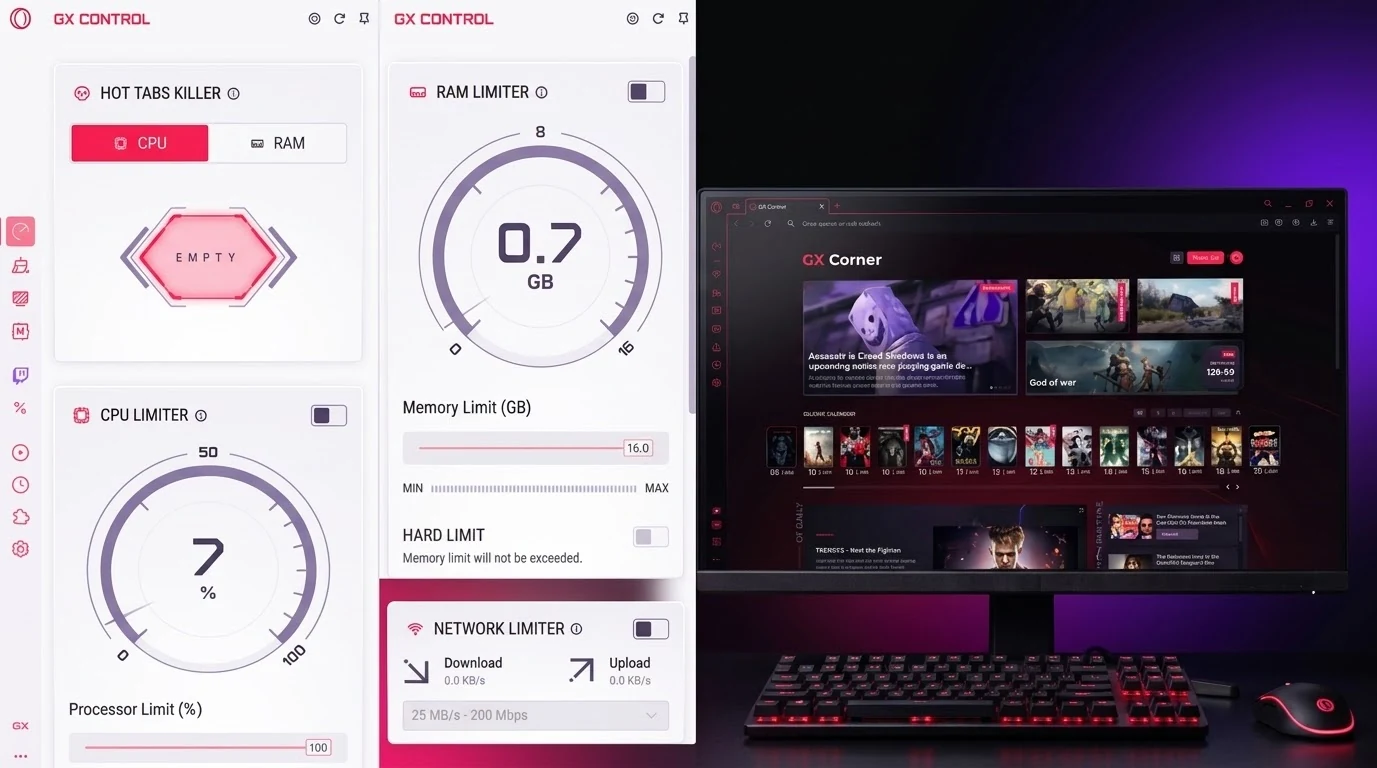
YOUR BROWSER. YOUR TURF.
Everything you love.
In one browser.
MAKE IT YOURS
Themes, sounds, wallpapers and mods — create a browser that fits your setup.

STAY CONNECTED
Discord, Twitch and Telegram in the sidebar. Chat and keep up with streams while you browse.
FOCUS ON WHAT MATTERS
Turn on the built-in ad blocker and browse your favourite sites with fewer distractions.
NEW BROWSER. FAMILIAR BOOKMARKS.
Import bookmarks and settings from your old browser. You choose which data to bring over.
Download Opera GXRun the installer and follow the prompts.
Settings → Synchronization → Import bookmarks and settings.
Your favourite sites are right at hand. All that’s left is picking a theme.
STILL HAVE QUESTIONS?
Yes. You can download and use Opera GX for free.
GX Control lets you limit the resources the browser uses. Results depend on your computer, game and settings. Higher FPS is not guaranteed.
You can import them from another browser in the Opera GX settings. Which data types are available depends on the source browser.
Pick your platform in the block below. The link leads to a download from the official Opera website.
YOUR NEXT UPGRADE
Resource control, your style and your favourite services.
Start with free Opera GX.